Table of Contents
1. Introduction
In today's fast-paced digital world, a slow website is not just an inconvenience — it is a business liability. Studies consistently show that users abandon websites that take more than three seconds to load. Whether you run an e-commerce store, a blog, or a corporate portal, website speed directly affects user experience, search engine rankings, and conversion rates.
This comprehensive guide walks you through proven, actionable strategies to reduce website loading time and deliver a seamless experience to every visitor.
.webp)
2. Why Website Speed Matters
Before diving into technical fixes, it is important to understand the real-world impact of slow loading times.
Impact on User Experience: Research by Google indicates that as page load time increases from one second to three seconds, the probability of a visitor bouncing increases by 32%. At ten seconds, that bounce rate climbs to 123%.
Impact on SEO: Google officially uses page speed as a ranking factor for both desktop and mobile searches. A slower website means lower rankings, which translates to reduced organic traffic.
Impact on Revenue: Amazon once calculated that every 100-millisecond improvement in load time resulted in a 1% increase in revenue. For large-scale businesses, website speed is a measurable revenue driver.
.webp)
3. Optimize Images for the Web
Images are often the single largest contributor to page weight. Unoptimized images can easily inflate a page to several megabytes.
Best Practices:
- Compress images before uploading using tools like TinyPNG, ImageOptim, or Squoosh.
- Resize images to their actual display dimensions. Do not upload a 4000×3000 pixel photo if it displays at 800×600.
- Use responsive images with the
srcsetattribute so different devices load appropriately sized images. - Strip metadata (EXIF data) from images, as it adds unnecessary file size without visual benefit.
Aim for images under 100KB wherever possible without sacrificing quality.
4. Leverage Browser Caching
Browser caching instructs visitors' browsers to store static assets (images, CSS, JavaScript) locally so that they do not need to be re-downloaded on every visit.
By setting appropriate cache expiry headers on your server, returning visitors experience significantly faster load times. For most static assets, a cache duration of 30 days to one year is recommended.
In Apache, add the following to your .htaccess file:
apache
<IfModule mod_expires.c>
  ExpiresActive On
  ExpiresByType image/jpeg "access plus 1 year"
  ExpiresByType text/css "access plus 1 month"
  ExpiresByType application/javascript "access plus 1 month"
</IfModule>
.webp)
5. Minimize HTTP Requests
Every element on a webpage — images, scripts, stylesheets, fonts — requires a separate HTTP request. The more requests a page makes, the longer it takes to load.
How to Reduce Requests:
- Combine CSS files into a single stylesheet.
- Combine JavaScript files into one bundle.
- Use CSS sprites to combine multiple small images into one file.
- Remove unnecessary plugins and third-party scripts that add requests without meaningful benefit.
- Inline critical CSS directly into your HTML for above-the-fold content.
A well-optimized page should aim for fewer than 50 total HTTP requests.
6. Enable Compression (Gzip/Brotli)
Text-based resources like HTML, CSS, and JavaScript can be dramatically reduced in size through compression before being sent from your server to the browser.
Gzip is the most widely supported compression method and can reduce file sizes by 60–80%. Brotli is a newer algorithm from Google that offers even better compression ratios — typically 15–25% smaller than Gzip.
Most modern web servers (Apache, Nginx) support both. Enabling Brotli on Nginx requires adding:
nginx
brotli on;
brotli_comp_level 6;
brotli_types text/html text/css application/javascript;
7. Use a Content Delivery Network (CDN)
A Content Delivery Network distributes your website's static assets across a global network of servers. When a user requests your website, assets are served from the server geographically closest to them, reducing latency dramatically.
Popular CDN providers include Cloudflare, Amazon CloudFront, Fastly, and KeyCDN. Many offer free tiers suitable for small to medium websites.
Key Benefits of a CDN:
- Reduced latency for global audiences
- Decreased load on your origin server
- Built-in DDoS protection with many providers
- Automatic HTTPS and HTTP/2 support
For websites with international audiences, implementing a CDN alone can cut load times by 50% or more in distant regions.
8. Minify CSS, JavaScript, and HTML
Minification removes all unnecessary characters from source code — whitespace, comments, line breaks — without changing functionality. This reduces file size and speeds up downloads.
Tools for Minification:
- CSS: CSSNano, CleanCSS
- JavaScript: UglifyJS, Terser
- HTML: HTMLMinifier
- Build tools: Webpack, Vite, and Parcel handle minification automatically during production builds.
For WordPress users, plugins like WP Rocket, Autoptimize, and LiteSpeed Cache handle minification with a few checkbox clicks
9. Optimize Web Hosting
Your hosting environment forms the foundation of your website's performance. No amount of frontend optimization can fully compensate for poor hosting infrastructure.
Hosting Options by Performance:
- Shared Hosting: Cheapest, but resources are shared among many websites — suitable only for very low-traffic sites.
- VPS Hosting: Dedicated virtual resources provide more consistent performance.
- Dedicated Servers: Maximum performance; ideal for high-traffic websites.
- Cloud Hosting (AWS, Google Cloud, Azure): Highly scalable and reliable; recommended for growing businesses.
Additionally, ensure your server runs the latest versions of PHP, MySQL, and your web server software, as newer versions consistently offer performance improvements.
10. Implement Lazy Loading
Lazy loading defers the loading of off-screen images and videos until the user scrolls near them. This dramatically reduces initial page load time since only visible content is loaded first.
Modern browsers support the native loading="lazy" attribute:
html
<img src="product-photo.jpg" alt="Product" loading="lazy">
For videos and iframes, JavaScript-based lazy loading libraries such as Intersection Observer API provide fine-grained control. Lazy loading is especially impactful on image-heavy pages like galleries, product listings, and blogs.
.webp)
11. Reduce Server Response Time (TTFB)
Time to First Byte (TTFB) measures how long it takes your server to begin sending data after receiving a request. A good TTFB is under 200 milliseconds.
Strategies to Improve TTFB:
- Implement server-side caching: Use Redis or Memcached to cache database query results.
- Optimize database queries: Add indexes, remove redundant queries, and use query caching.
- Use a fast DNS provider: DNS resolution time contributes to TTFB. Providers like Cloudflare DNS (1.1.1.1) and Google DNS are significantly faster than default ISP DNS servers.
- Enable HTTP/2 or HTTP/3: These protocols offer multiplexing and header compression, delivering multiple requests simultaneously over a single connection.
12. Use Modern Image Formats
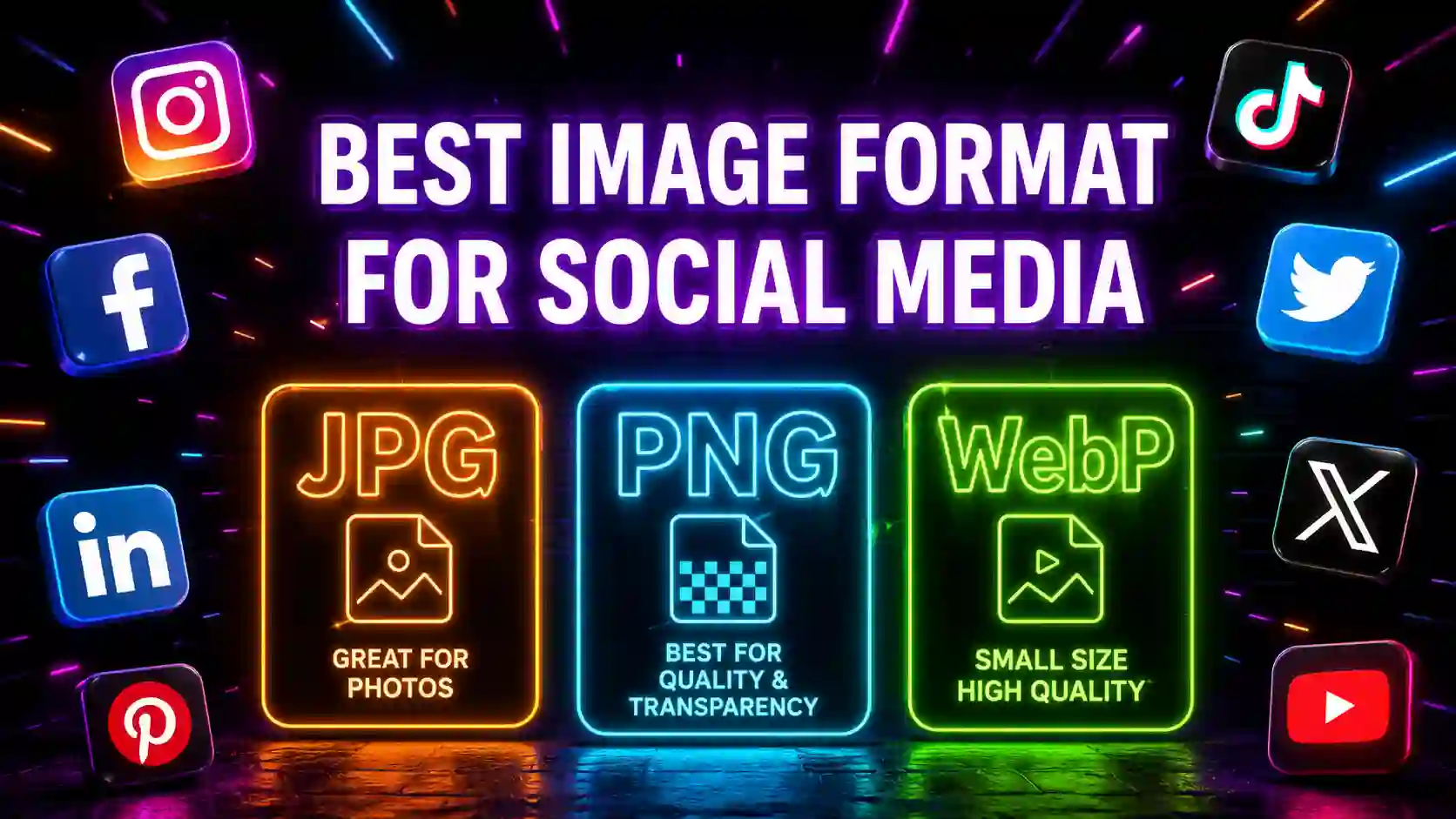
Traditional image formats like JPEG and PNG are being replaced by modern alternatives that offer superior compression with equivalent or better quality.
Recommended Modern Formats:
- WebP: Developed by Google; typically 25–35% smaller than JPEG at equivalent quality. Supported by all modern browsers.
- AVIF: Next-generation format with even better compression than WebP. Browser support is growing rapidly.
- SVG: Ideal for logos, icons, and illustrations — infinitely scalable with tiny file sizes.
Most image optimization tools and CMS platforms now support automatic conversion to WebP. In WordPress, plugins like ShortPixel and Smush handle this automatically.
13. Eliminate Render-Blocking Resources
Render-blocking resources are CSS and JavaScript files that prevent the browser from displaying the page until they finish loading. This leads to a blank white screen and a poor user experience.
Solutions:
- Move JavaScript to the bottom of the HTML body, or use
asyncanddeferattributes. - Inline critical CSS — the styles needed to render above-the-fold content — directly in the
<head>. - Load non-critical CSS asynchronously using
media="print"trick or theloadCSSlibrary. - Preload key resources using
<link rel="preload">to hint the browser about important assets.
14. Monitor and Test Your Website Speed
Optimization is not a one-time task — it requires ongoing monitoring. Use these industry-standard tools to benchmark and identify performance bottlenecks:
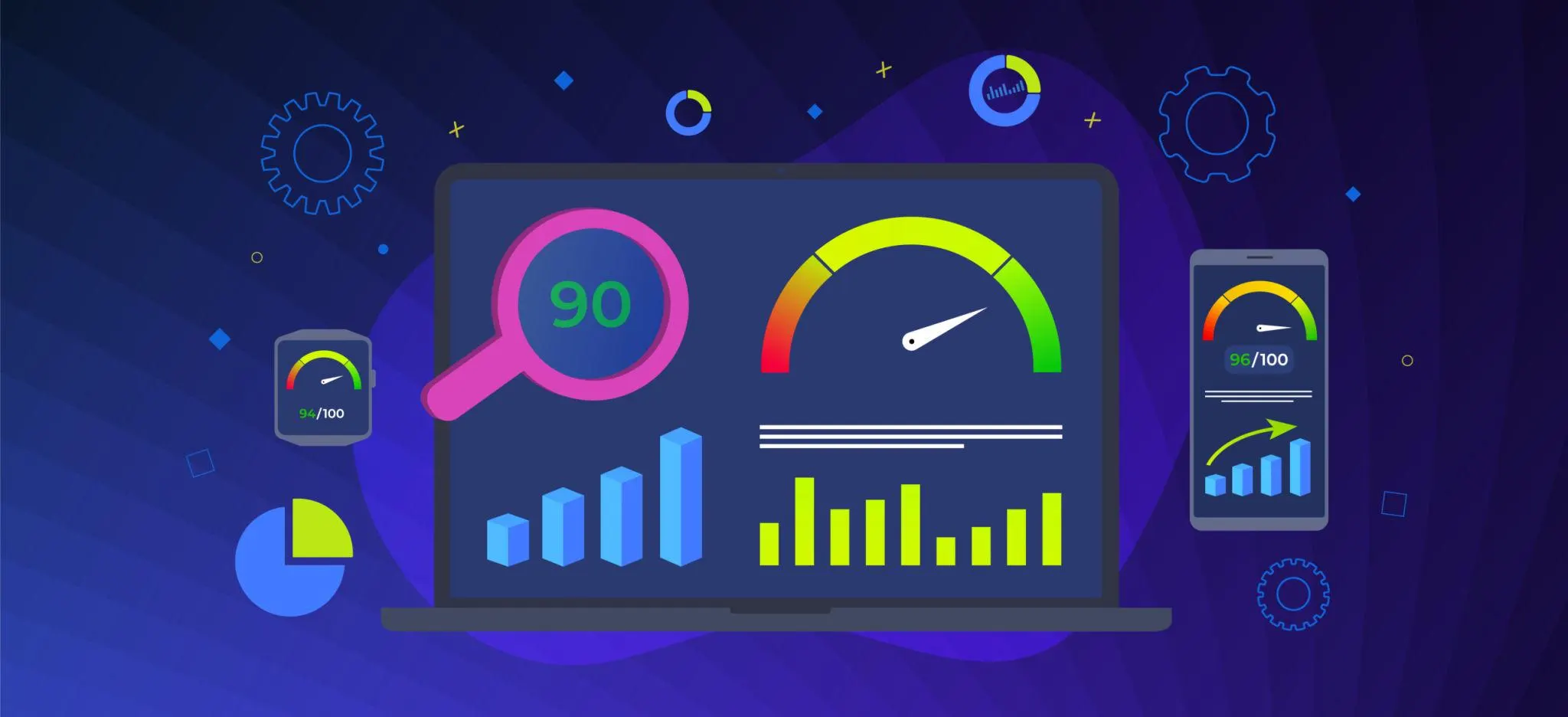
- Google PageSpeed Insights: Scores your page and provides specific recommendations.
- GTmetrix: Detailed waterfall analysis and historical tracking.
- WebPageTest: Advanced testing with multiple locations and connection speeds.
- Chrome DevTools (Lighthouse): Built into Chrome; run audits directly in the browser.
- Core Web Vitals: Google's performance metrics — LCP (Largest Contentful Paint), FID (First Input Delay), and CLS (Cumulative Layout Shift) — are essential for SEO.
Aim for a Google PageSpeed score of 90+ on both mobile and desktop.
15. Conclusion
Reducing website loading time is one of the highest-return investments you can make in your digital presence. Faster websites rank higher, convert better, and retain users longer. The good news is that most optimizations are achievable without a complete website rebuild.
Start with the highest-impact changes: image optimization, caching, a CDN, and minification. Then progressively implement the remaining strategies. Regular testing and monitoring will ensure your performance gains are maintained as your website grows.
Speed is not a luxury — it is an expectation. Build for it from day one.