If your website feels sluggish, your bounce rate keeps climbing, and your rankings have quietly slipped over the past few months, the problem might not be your content, your backlinks, or your keyword strategy at all. It could be something far simpler and far easier to fix: your images are too heavy.
Every photo, banner, thumbnail, and product shot on your site adds to the total weight your visitor's browser has to download before the page becomes usable. When that weight climbs too high, everything downstream suffers — load time, user experience, and eventually, your position in search results. Search engines don't just read your words anymore; they measure how your page behaves, and oversized images are one of the most common reasons a technically well-written page still underperforms.
This guide breaks down exactly how image size affects SEO, what Google actually measures, and the practical steps you can take today to stop large files from dragging your rankings down.
Table of Contents
Why Are Large Images Bad for SEO?
Search engines like Google want to send users to pages that load quickly and work smoothly on any device. Large, unoptimized images work directly against that goal in a few ways:
- Slower load times: A single 5MB hero image can delay your entire page from becoming visible, especially on mobile connections.
- Higher bounce rates: Visitors rarely wait more than a few seconds for a page to load. If your images are the bottleneck, people leave before they even see your content — and Google notices that behavior.
- Wasted crawl budget: Search engine bots have a limited amount of time and resources allocated to crawling your site. Bloated image files slow down crawling, meaning fewer of your pages get indexed efficiently.
- Poor mobile experience: Most search traffic today comes from mobile devices with inconsistent connection speeds. Heavy images hit mobile users the hardest.
None of this means images are bad for SEO — visual content actually helps engagement and time-on-page when used well. The issue is specifically the file size, not the image itself.
How Image Size Affects SEO Rankings
Google's ranking systems weigh a combination of relevance and user experience signals. Page experience — which includes load speed, visual stability, and interactivity — has become one of the clearer, more measurable parts of that equation.

Here's the chain reaction that happens when your images are too large:
- The browser has to download more data before rendering the page.
- This increases your Largest Contentful Paint (LCP) — a metric that tracks how long it takes for the biggest visible element (often a hero image) to load.
- Slow LCP scores signal a poor page experience.
- Poor page experience can lower your ranking position, especially when competing against pages with similar content quality but faster load times.
In other words, image size doesn't directly tell Google "rank this page lower." Instead, it triggers a chain of technical signals that collectively push your page down the results.
Do Image File Sizes Really Affect Google Ranking?
Short answer: yes, indirectly but measurably.
Google has repeatedly confirmed that page experience, including loading performance, is part of how it evaluates content quality. While a single image won't make or break your ranking on its own, the cumulative weight of every image across your site absolutely shapes how fast your pages load — and load speed is a confirmed ranking factor.
Think of it this way: two pages might have equally strong content, but if one loads in 1.5 seconds and the other takes 6 seconds because of unoptimized images, the faster page has a real competitive advantage. Google rewards the experience that keeps users engaged, not just the words on the page.
Page Speed and Image Optimization: The Direct Link
Page speed and image optimization are two of the most tightly connected pieces of technical SEO. In most website audits, images are the single largest contributor to total page weight — often accounting for more than half of everything a browser has to download.
Optimizing images typically involves:
- Compression: Reducing file size while keeping visual quality intact.
- Correct sizing: Uploading an image at the actual dimensions it will display, not a massive original file scaled down with code.
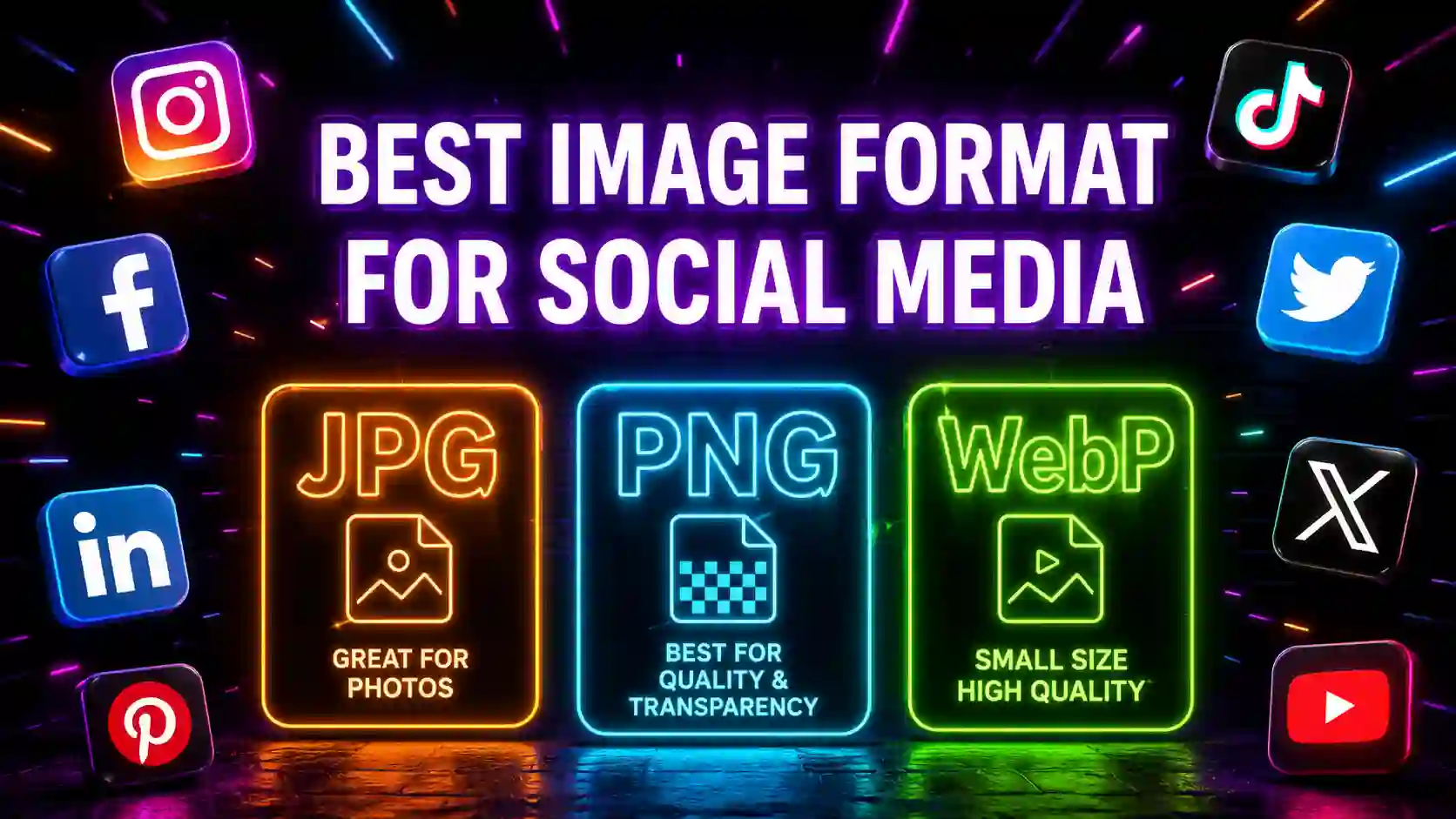
- Modern formats: Using formats built for the web instead of older, heavier ones.
- Lazy loading: Only loading images as the user scrolls to them, rather than all at once.
When these practices are applied consistently, pages load faster, Core Web Vitals scores improve, and search engines have an easier time recognizing your site as a strong user experience.
The Hidden SEO Penalty of Unoptimized Images
The word "penalty" often makes people think of a manual action from Google — but the real penalty here is quieter and more damaging over time. It's not a warning in Search Console. It's a slow erosion of visibility that happens through:
- Ranking drift: Competitors with faster sites gradually overtake you for the same keywords.
- Lower engagement metrics: Slow pages produce shorter sessions and fewer pages per visit, both of which are patterns search engines associate with lower-quality experiences.
- Reduced mobile visibility: Since mobile-first indexing is standard, a mobile experience weighed down by heavy images can hurt your rankings across all devices, not just on phones.
- Lost conversions: Even when traffic does arrive, slow-loading images increase abandonment before users see your call-to-action.
This is the part most site owners miss. There's no single moment where you get "caught." Instead, unoptimized images act like a slow leak, quietly draining performance and rankings over months.
What Image Size Is Best for Website SEO?
There's no single perfect number, but there are strong general guidelines used across most performance audits:
- Hero/banner images: Aim for under 200KB after compression.
- Standard content images: Keep these between 50–150KB.
- Thumbnails and icons: Under 30KB is ideal.
- Total page weight from images: Try to keep the combined image weight under 1MB per page whenever possible.
Dimensions matter just as much as file size. An image displayed at 800 pixels wide shouldn't be uploaded at 4000 pixels wide — resize it to match its actual display size before compressing.
How Much Should Your Images Weigh for SEO?
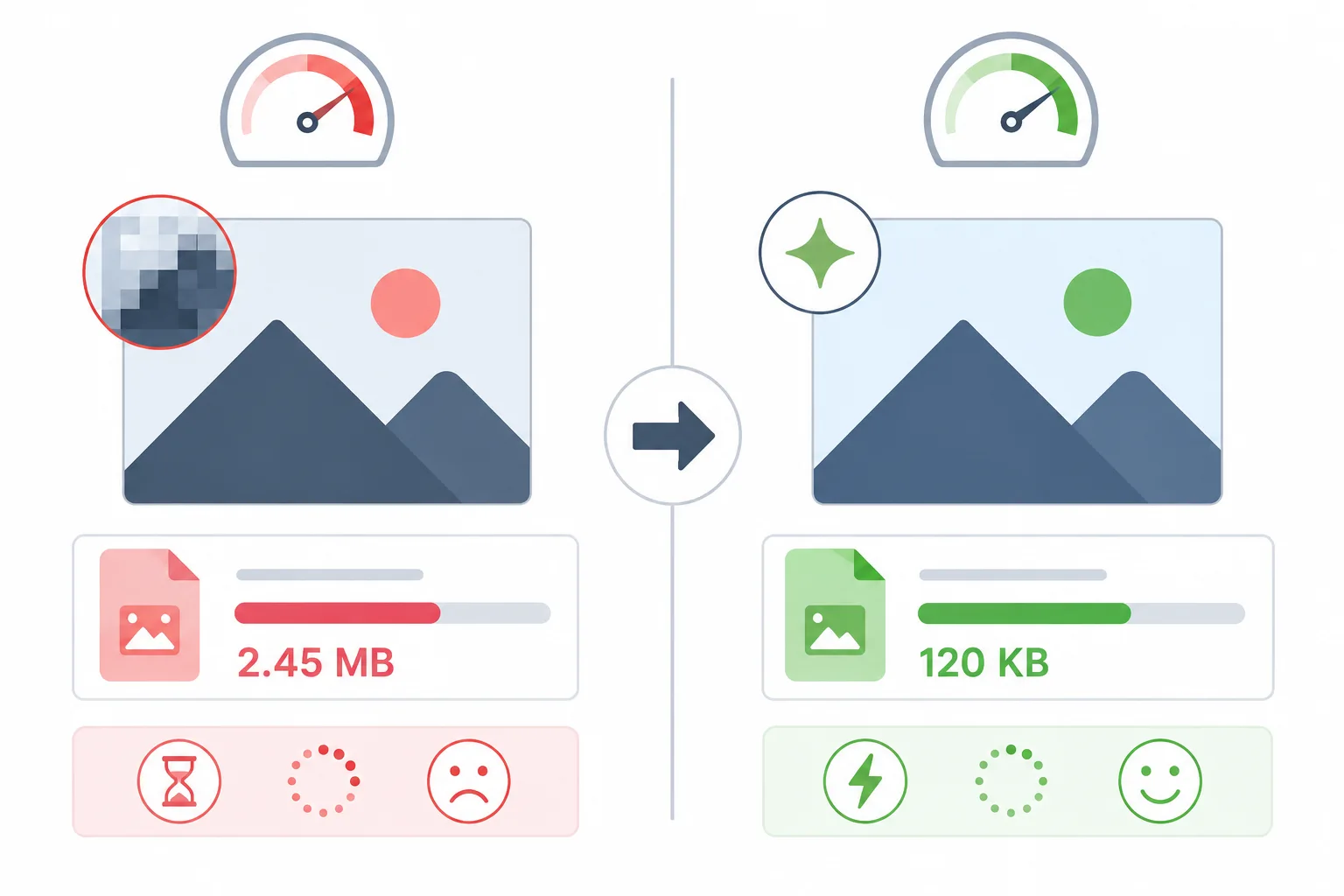
As a practical rule, most SEO-friendly websites aim to keep individual images between 50KB and 200KB, depending on the image's role on the page. Product photography or detailed graphics may need slightly more weight to preserve clarity, but even then, modern compression techniques can usually bring a 3–4MB original file down to a fraction of that size with no visible quality loss.
If you're auditing your site, a simple test is to check your homepage's total page weight. If images alone account for more than half of that total, there's likely room to trim significant weight without touching your design.
How to Fix Large Images Hurting Your SEO Score
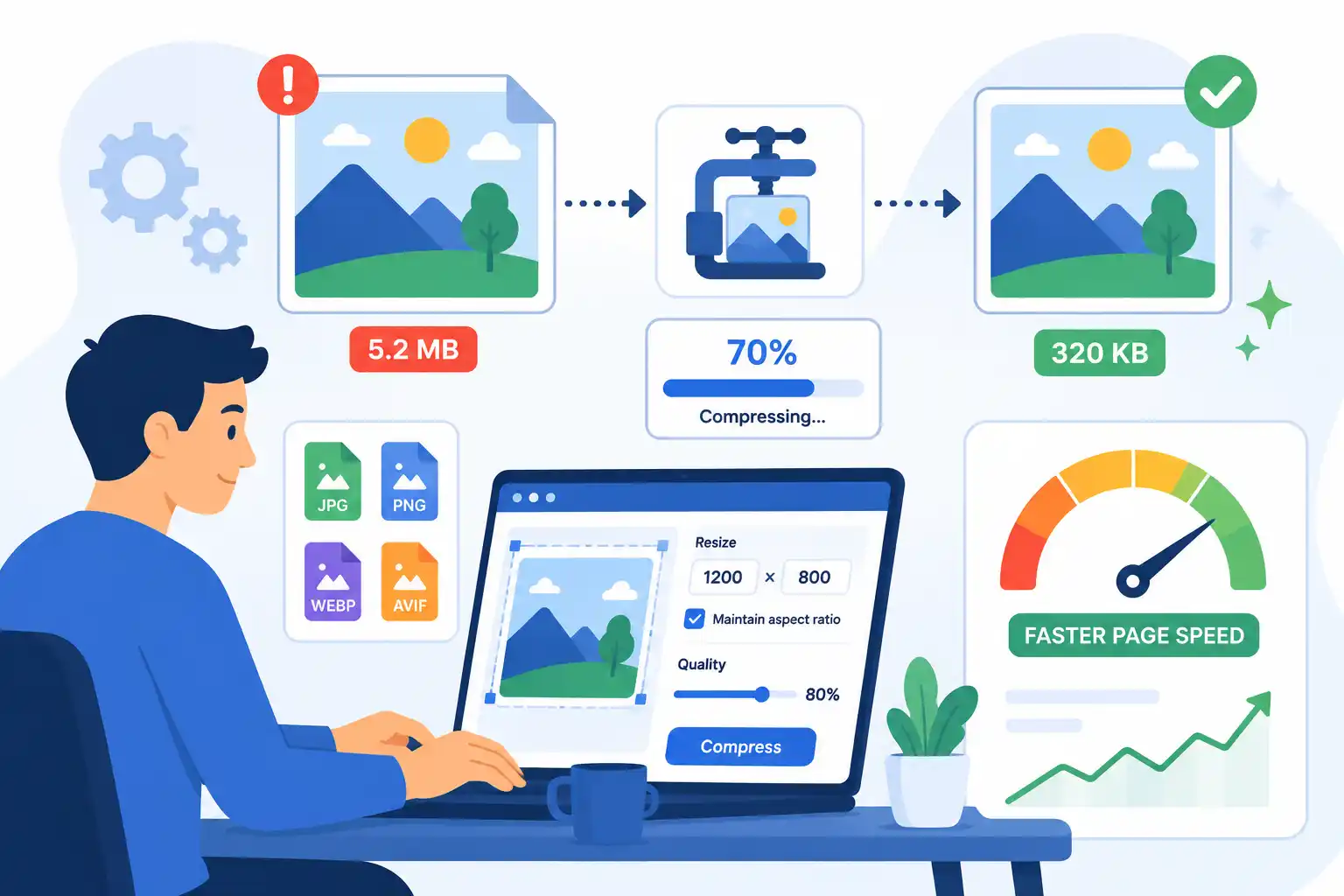
Fixing this issue doesn't require a developer or a redesign. Here's a straightforward process:
- Audit your current images: Identify which pages have the heaviest load times, starting with your homepage and top landing pages.
- Resize Images before uploading: Match the image dimensions to where it will actually display on the page.
- Compress every image: Use a compression tool to reduce file size while preserving visual quality. This single step often cuts file sizes by 60–80% with no visible difference.
- Switch to modern formats: Where possible, convert heavier formats into lighter, web-optimized alternatives.
- Enable lazy loading: Make sure images below the fold only load as users scroll to them.
- Re-test performance: After making changes, check your page speed again to confirm the improvement.
Tools that let you compress and convert images quickly — without installing software — make this process fast enough to do across an entire site in one sitting, rather than treating it as a one-time fix you never repeat.
Frequently Asked Questions
Does image size really affect SEO? Yes. While it's not a direct ranking factor on its own, image size heavily influences page speed and Core Web Vitals, both of which do affect rankings.
How large is too large for a website image? Anything over 500KB for a single image is generally considered heavy and worth optimizing, especially for images that appear above the fold.
Will compressing images hurt image quality? Not if done correctly. Modern compression can reduce file size dramatically while keeping images visually identical to the original.
How often should I audit my site's images? Ideally every few months, or any time you add a large batch of new content, product photos, or blog visuals.
Final Thoughts
Large image files are one of the most overlooked reasons a well-written, well-structured website underperforms in search results. The fix isn't complicated — it's a matter of consistently resizing, compressing, and formatting images before they ever go live on your site.
Treat image optimization as an ongoing part of your SEO workflow, not a one-time cleanup. The pages that load fastest and feel smoothest to visitors are consistently the ones that hold their rankings over time.